Action: Make a pause between action
Modified on Tue, 29 Sep at 4:17 PM
Pause the scenario for a few seconds before the next action runs. Use it when an action depends on something outside Automatic Email Manager, such as a script that needs time to create a file.
It is most often placed after Run an external program, but you can add it anywhere in a scenario.
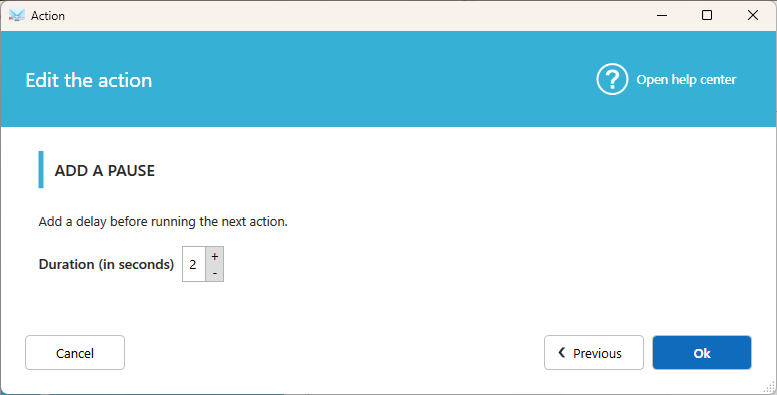
Settings
How many seconds?
Enter how long Automatic Email Manager waits before running the next action.
Tip
If your program returns a result, you may not need a pause. Turn on Wait for a returned value in Run an external program instead. Use a pause when your program doesn't return a value, or when you need a fixed delay.
Was this article helpful?
That’s Great!
Thank you for your feedback
Sorry! We couldn't be helpful
Thank you for your feedback
Feedback sent
We appreciate your effort and will try to fix the article