Action: Delete email
Modified on Thu, 1 Oct at 2:57 PM
Keep your mailbox clean by deleting emails from the server once they've been processed, or after a set number of days. Handy for spam, junk, and any email you no longer need.
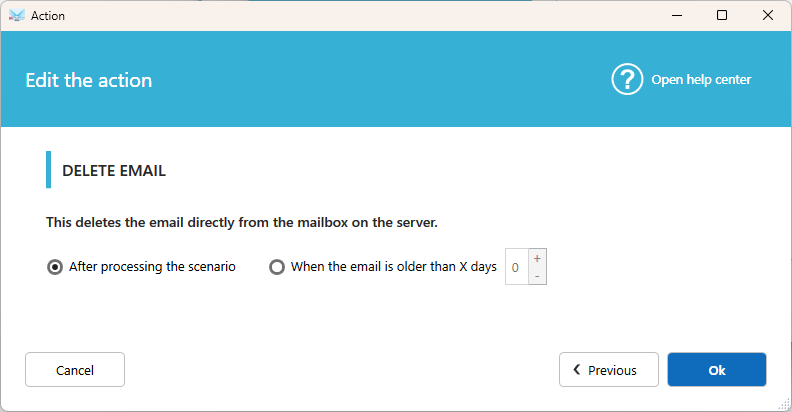
Settings
After action(s)
Once all the other actions in the scenario are done, Automatic Email Manager reconnects to the server and permanently deletes the email.
Older than x days
Deletes the email when it is older than the number of days you set.
Note: This option isn't available with POP3 accounts.
Good to know
- A scenario can contain only one Delete action.
- You can't use Delete email and Move email in the same scenario. Choose the one you want to keep.
- For Exchange, you can send deleted emails to the recycle folder instead of deleting them permanently. Turn on Use soft delete for Exchange in Settings, then Advanced.
Tips
- Keep emails in the inbox for at least one day before deleting them. If a problem occurs, the email is still available.
- If you'd rather keep a copy, use Move email to send processed emails to an archive folder.
Related articles
Was this article helpful?
That’s Great!
Thank you for your feedback
Sorry! We couldn't be helpful
Thank you for your feedback
Feedback sent
We appreciate your effort and will try to fix the article