Action: Copy email
Modified on Thu, 1 Oct at 3:25 PM
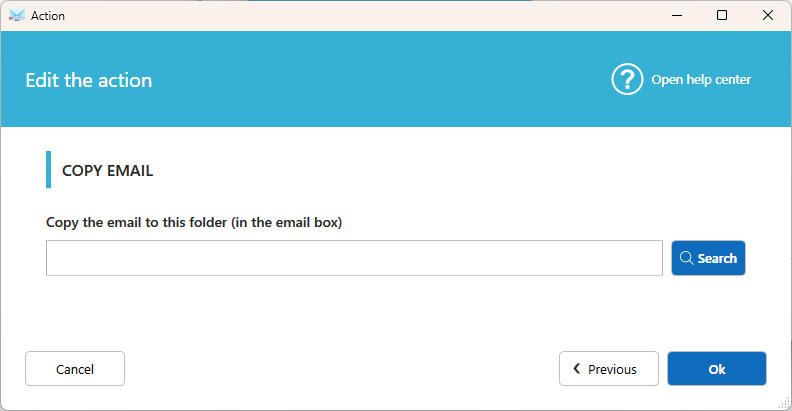
Make a copy of an email in another folder on the server once your other actions are done. The original stays in the inbox. Useful to keep a backup copy or to sort emails into several folders.
Settings
Folder
The destination folder on your mailbox. Click Search to list the available folders, then select one.
Good to know
- The copy is made at the end of the scenario, after all the other local actions.
- Folders are unique to each mailbox, so a Copy action can't be shared between accounts. Create a separate Copy action for each account.
- You can add several Copy actions to copy the same email to different folders.
Tips
- To remove the email from the inbox after copying it, add a Move email action or a Delete email action.
- To simply relocate the email, use Move email instead.
Was this article helpful?
That’s Great!
Thank you for your feedback
Sorry! We couldn't be helpful
Thank you for your feedback
Feedback sent
We appreciate your effort and will try to fix the article