Select your actions
Modified on Thu, 1 Oct at 6:09 PM
Actions are the tasks Automatic Email Manager performs on your emails. Add them to a scenario, in the order you want them to run.
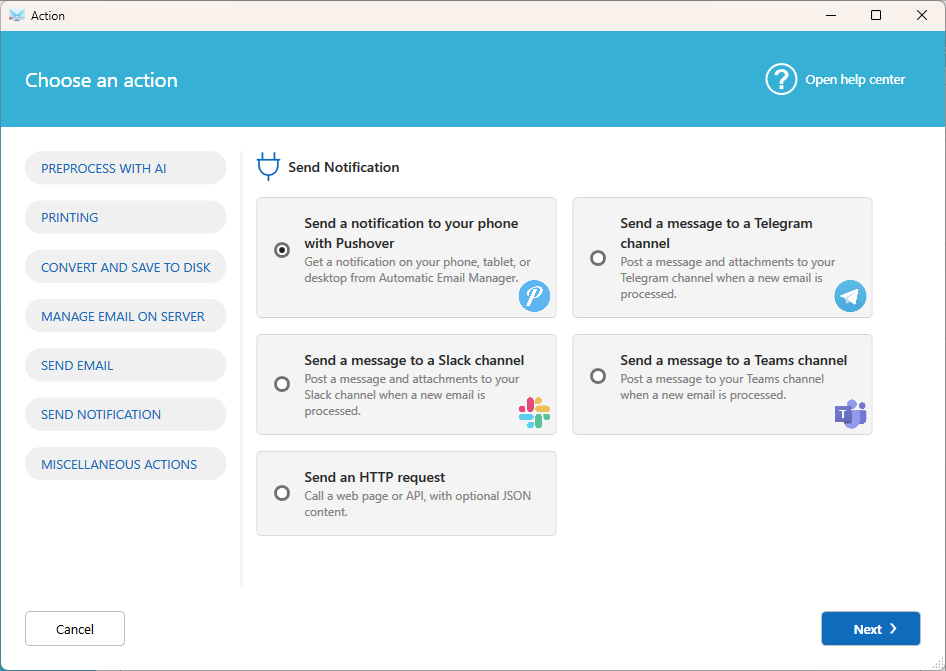
Actions run locally on your computer or server. By default, no data leaves your network. The exceptions are the actions that connect to an external service: Preprocess with AI and Send notification (Pushover, Telegram, Slack, Teams, and HTTP request).
To add an action, open a scenario, click Add action, then select a category from the left menu.
Preprocess with AI
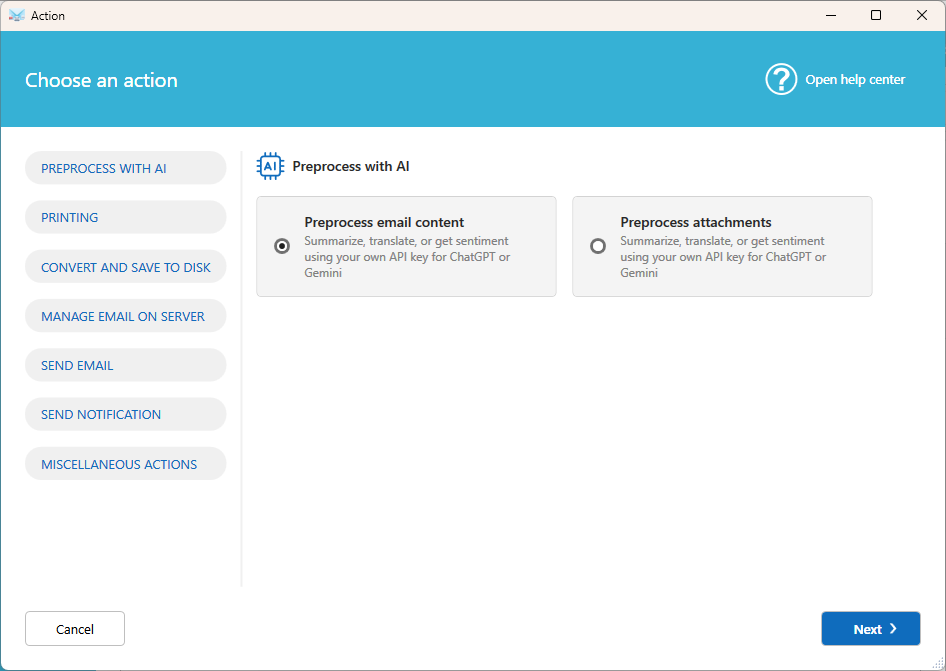
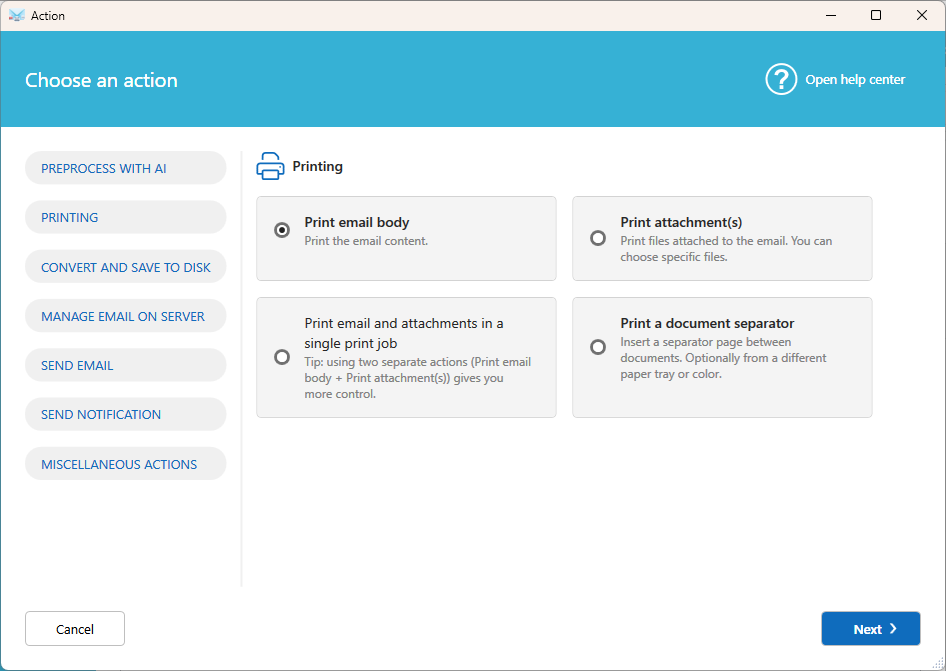
Printing
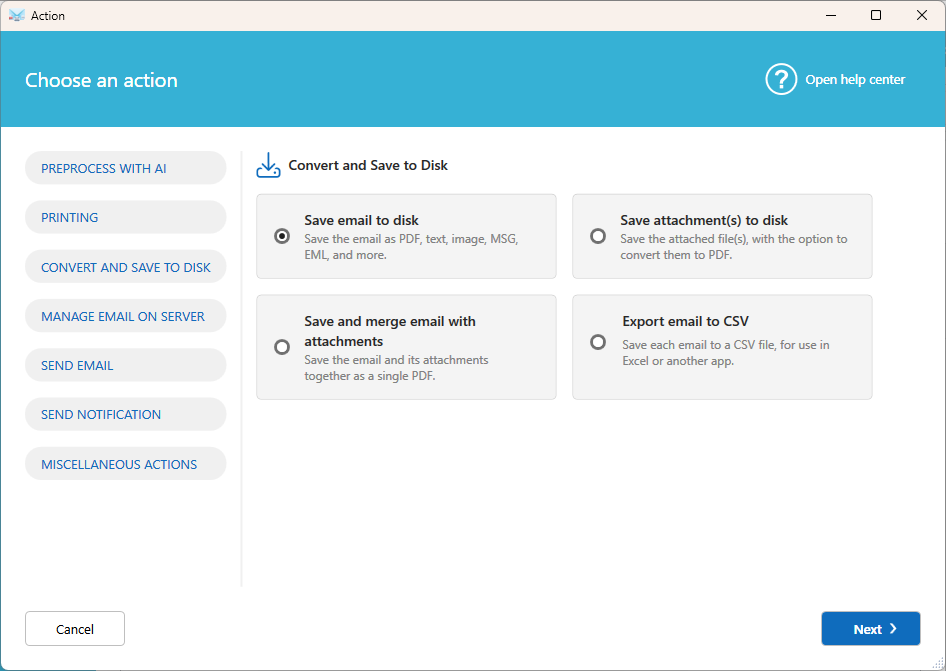
Convert and save to disk
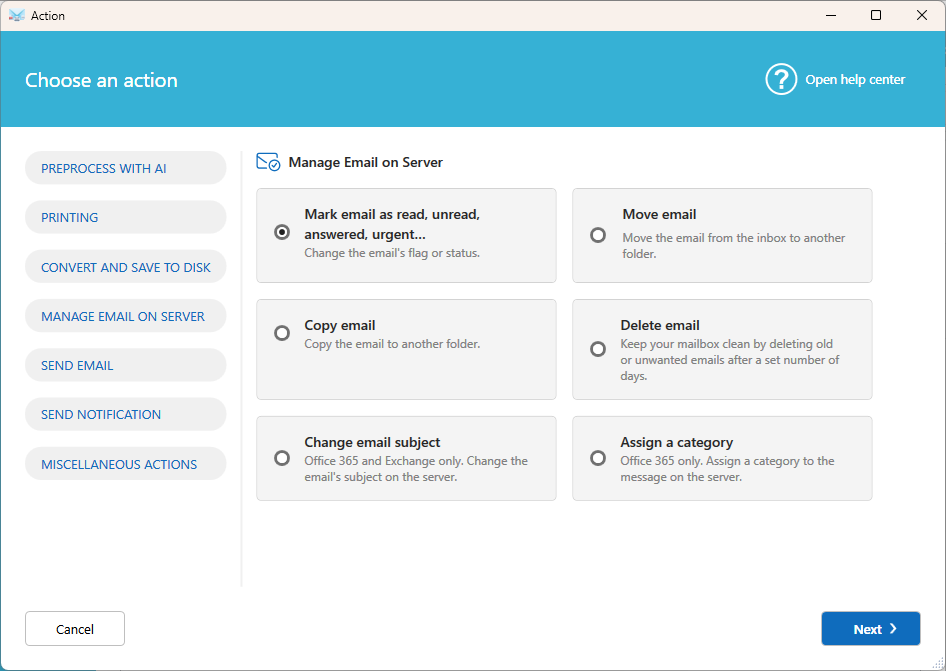
Manage email on server
Send email
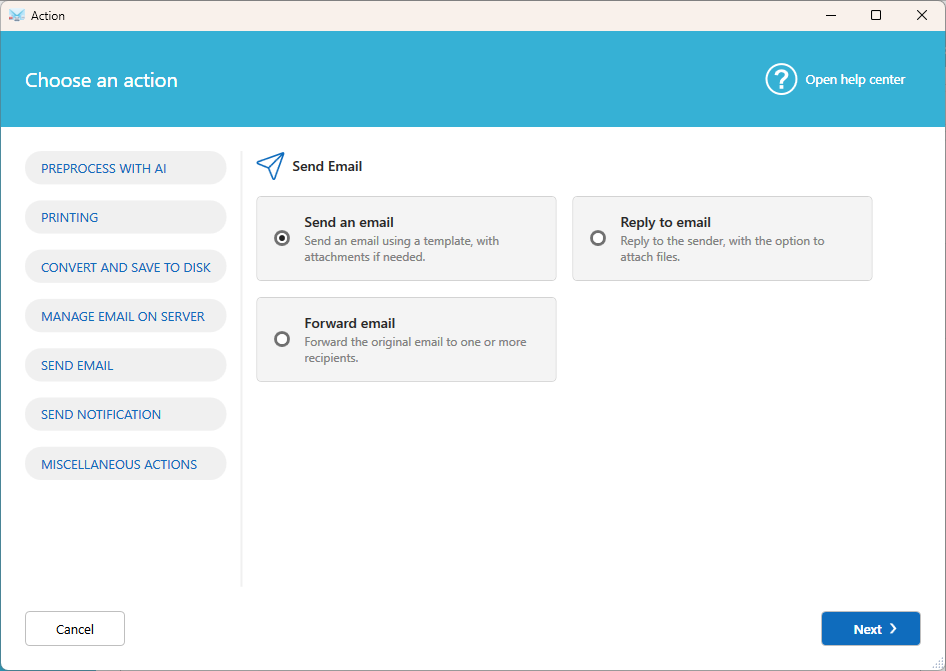
Send notification
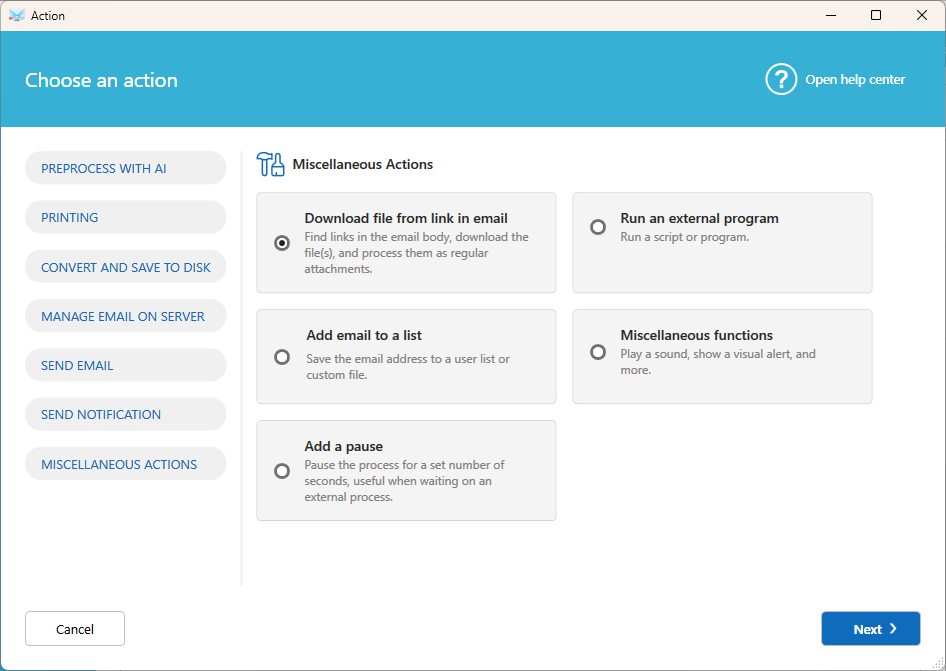
Miscellaneous actions
Good to know
- Actions run in the order shown in the scenario.
- A scenario can contain only one Move email, one Delete email, and one Mark email action. Move and Delete can't be combined.
- Move email and Copy email are specific to each mailbox and can't be shared between accounts.
Was this article helpful?
That’s Great!
Thank you for your feedback
Sorry! We couldn't be helpful
Thank you for your feedback
Feedback sent
We appreciate your effort and will try to fix the article